Variants
Eight mutations. Pick one. Again.
Your image sits in the middle of a grid with eight children around it. Choose one and the grid is reborn around that: it moves to the center, eight new children appear. You choose rather than aim, which is how you end up somewhere you would never have thought to look for — and on the days when nothing comes, it hands you eight pictures that were not your idea, around the one that was.
Five forces
You decide what is allowed to change.
Each slider governs one family of genes. Zero means hold still — so you can shake the color hard while the shape stays exactly where you put it, or wander the shape and keep the palette you spent an hour on. Pushed up, the gradient does more than tint the ramp you already have: it replaces it — at the 0.50 in the panel, two of the eight cells on average, half of them pulled from your library, built-in and your own in one deck, half drawn on the spot and named after the seed they came from, so a color that surprised you is a number you can type back into the palette generator.
The view is the one force that dives rather than drifts. Above zero the grid probes the frame you are on, picks a spot that has detail in it, re-renders that spot small to check it is still rich — and only then jumps. The slider says how deep, not how far off course: 0.05, where the panel has it, lands between 1.6× and 4× closer. At 0.00 the framing stays exactly where you put it.
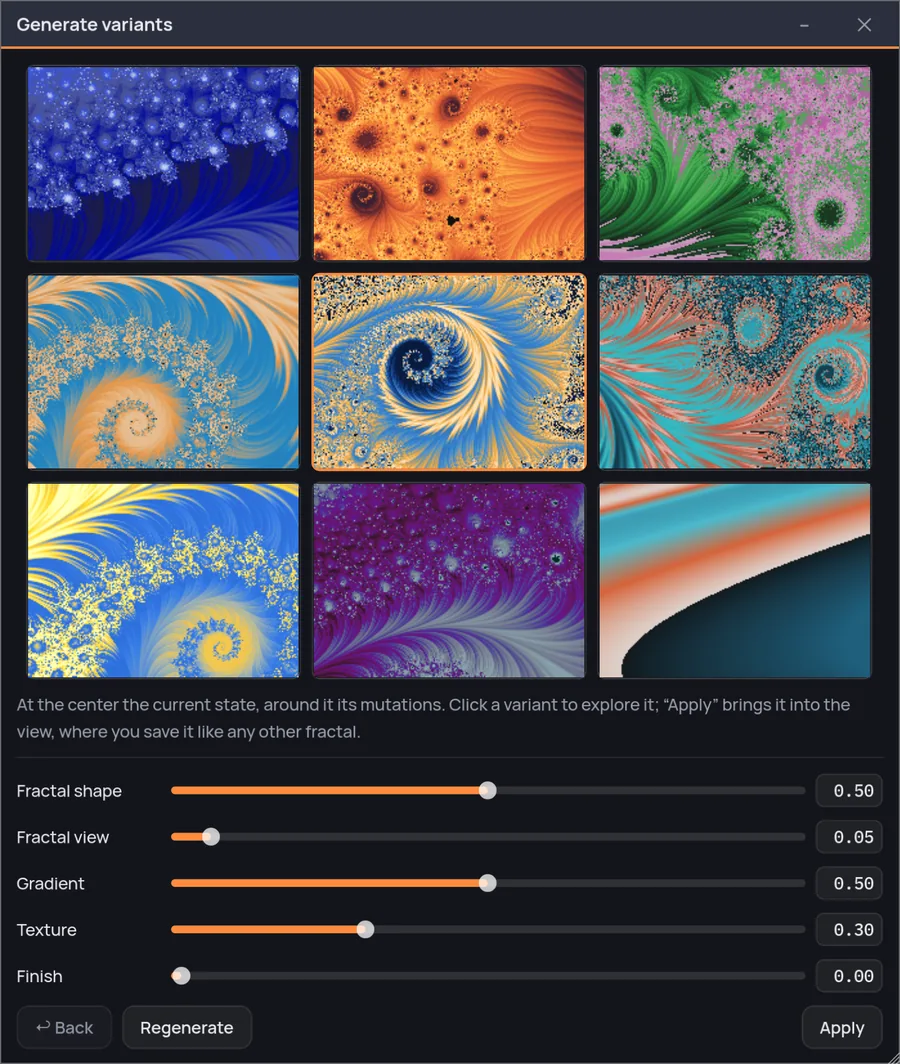
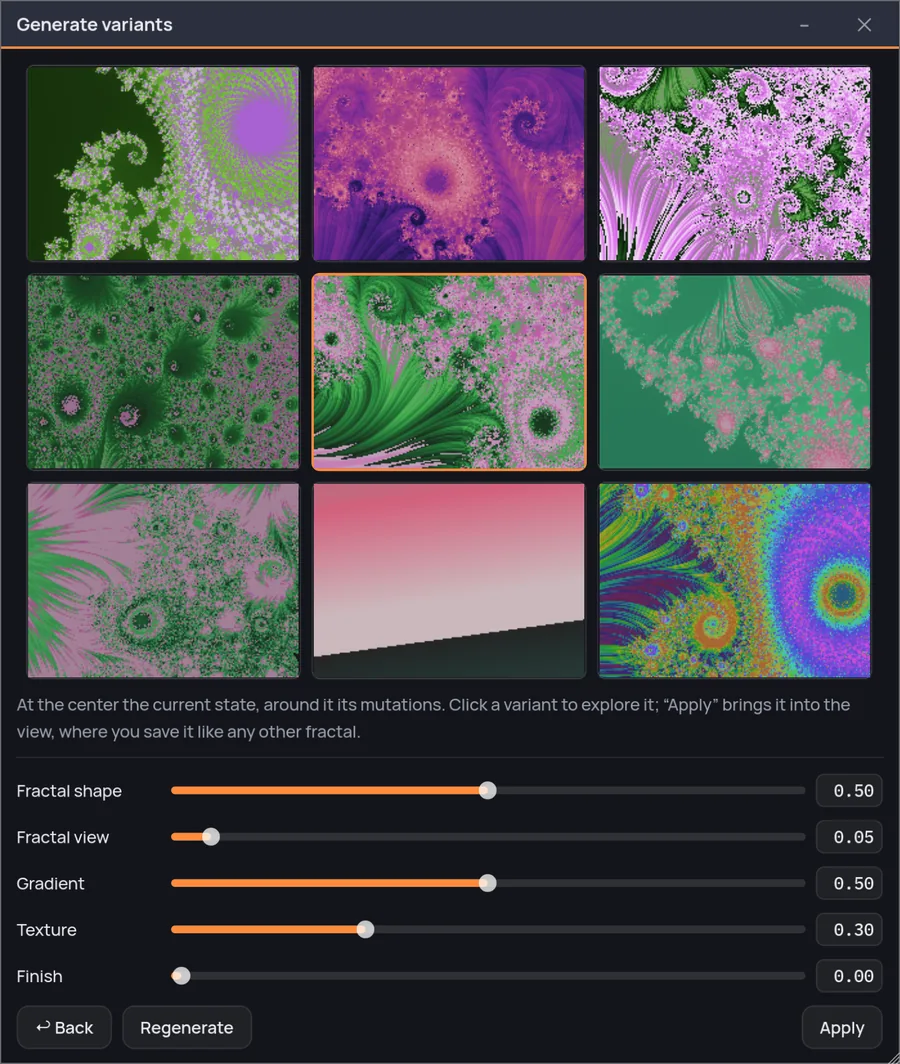
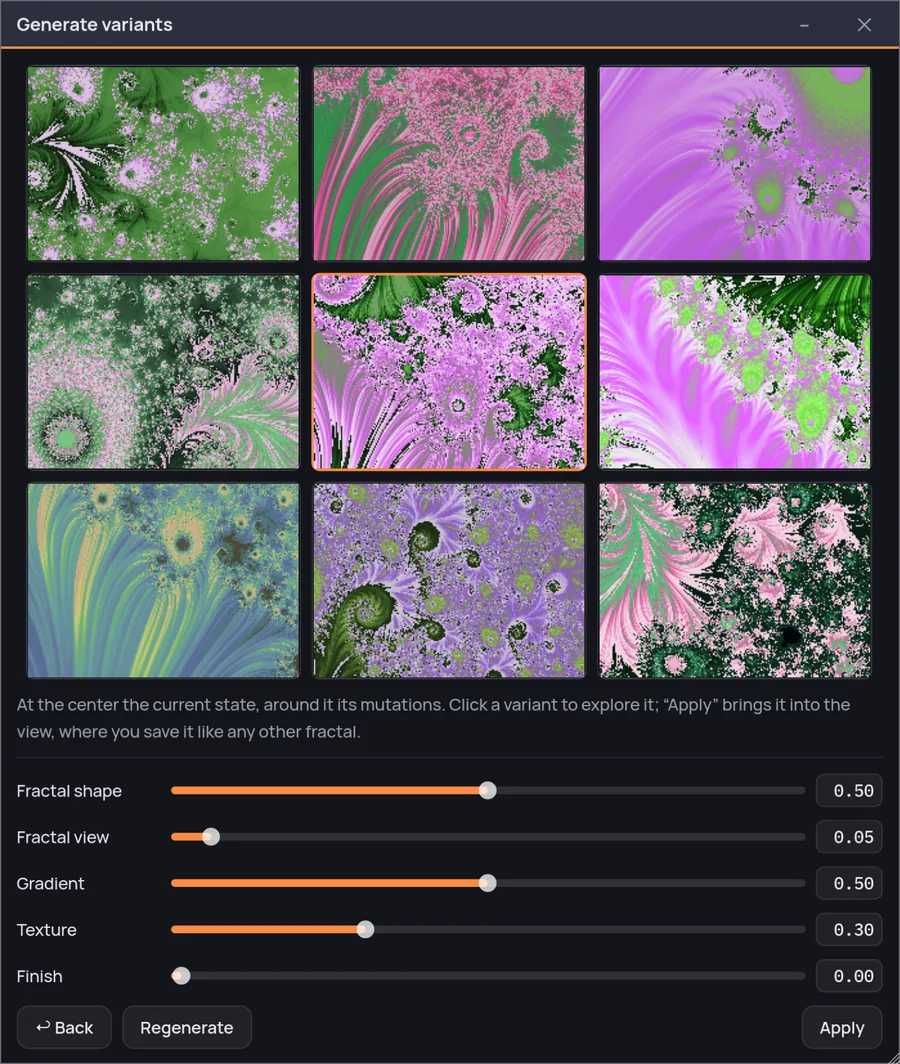
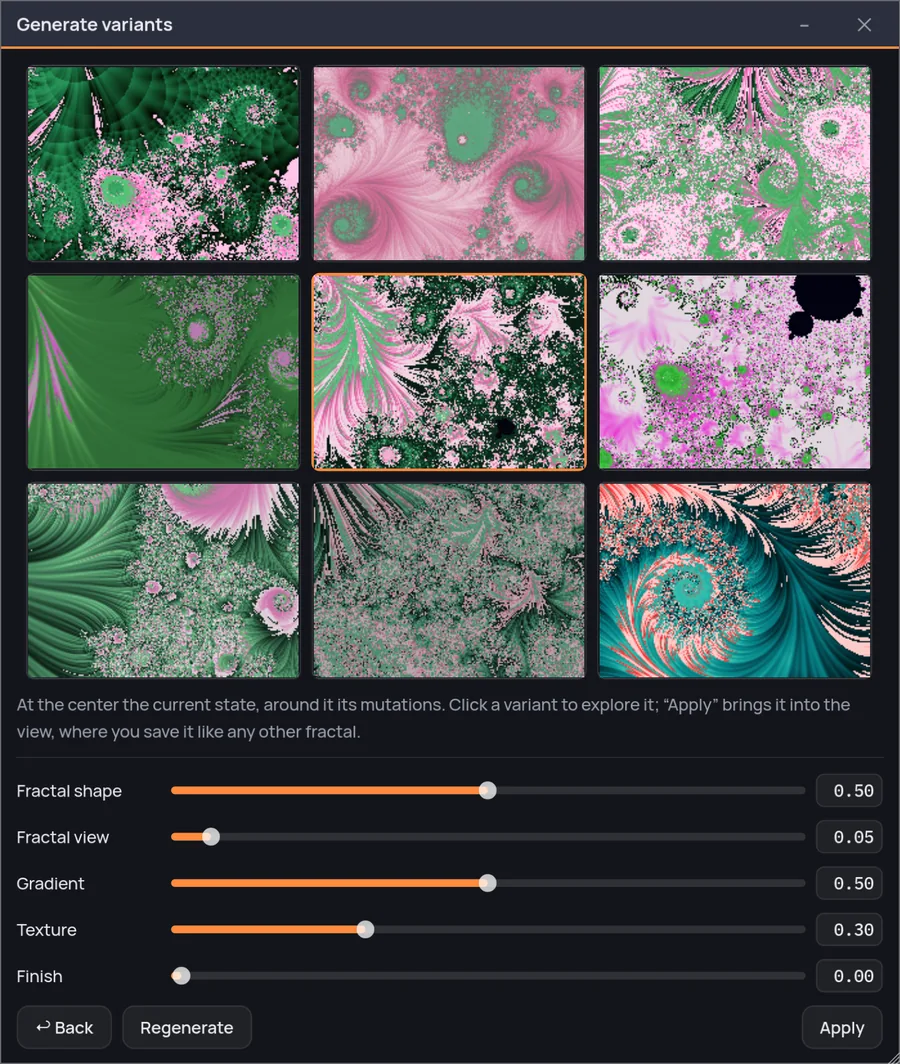
Four generations from one image — Blue Plume — each grid chosen from the one before. Nothing was retouched between them: the same five forces throughout, one click per generation.
What it actually does
It breeds the recipe, not the picture.
A mutation is not a filter over the image: it is a change to the numbers that made it. Move the shape or the view and every child is computed again from scratch; hold them still and the fractal is computed once for the whole grid and re-colored nine times, which is why the gradient on its own is instant however hard you shake it. Either way every child is a real fractal with a real recipe — you can take one, keep exploring it, save it, publish it, and it behaves exactly like something you built stop by stop.
Any child can become the parent
Pick one and it moves to the middle. The way back is kept: Back returns you to the grid you came from — same center, same seed, so the same eight children, not eight new ones, as long as the five sliders have not moved since: they are the settings you have now, not part of the trail. Move one and the grid re-rolls where you stand. The trail is kept in memory only: nothing is written to disk, there is nothing to name or file away, and changing the fractal in the main window while the grid is open starts it over.
The center square is yours, untouched
The middle of the grid is the image the grid is standing on: what you came in with, or the child you last promoted — and if you go and change the image in the main window, the grid follows you there. It is never mutated, and it is the one square you cannot click. If none of the eight is better, Regenerate rolls another eight from the same center without touching a single force.
The eight are filtered, not just generated
The mutator moves numbers and has no idea what it draws: about one perturbation in three comes out black, flat or noisy. So every cell is rendered, measured and rolled again if it does not hold — up to eight times when only the color moves, three when the shape does. And the measure is your image, not beauty in the abstract: a child left with less than 45% of its parent's contrast is thrown back even though it would clear any fixed threshold. When the tries run out the cell shows the least bad of them, because a weak square beats a hole. The center is never judged.
Small is the only thing it cuts
Nine images at once would be nine full renders, so each cell is drawn at 210 by 150. The iterations are the ones in your recipe, not a preview budget — a deep fractal is drawn deep even in a thumbnail — so the cell you pick is the picture you get, only larger. It is re-rendered at full size the moment it lands back in the main window.