Dozens of palettes, built by hand
Not procedural noise: ramps chosen one against another, from quiet paper-and-ink to full spectrum. Every one of them is a starting point you can take apart.
Color
The shape is only half of it. The soul of a fractal is its color, which is why the color had to be immediate: drag a gradient stop, or turn a wave knob, and the image changes right before your eyes. Nothing is recalculated, nothing is queued, nothing asks you to wait and see.
Not procedural noise: ramps chosen one against another, from quiet paper-and-ink to full spectrum. Every one of them is a starting point you can take apart.
Drag the stops where you want them, add as many as you need, set the color inside the set separately from the color outside it. Save it and it joins the library — and a wave palette opens in an editor of its own, with knobs instead of stops.
The escape data is kept, so a new palette is a remap, not a re-render. Measured at 1.09 megapixels across every shipped preset: six tenths of a millisecond to seventeen for the remap alone, up to forty with the finishes a preset asks for — against nine milliseconds to four and a half seconds to compute the field itself. And the remap reads the results it kept, not the zoom, so it costs the same a thousand zooms down.
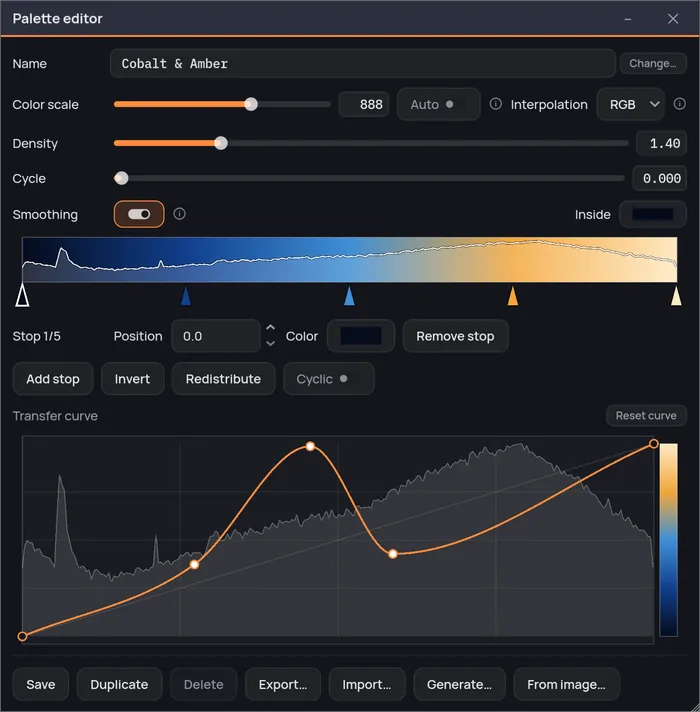
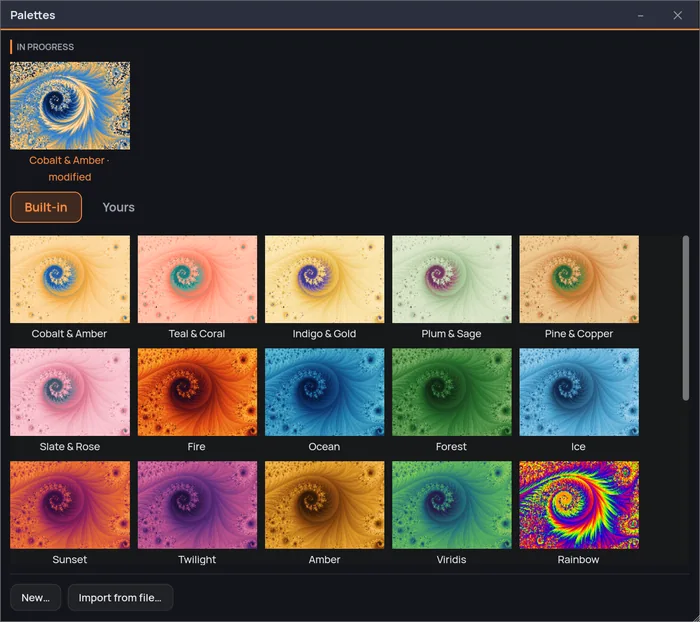
The Palette editor and the Palettes gallery — the names they carry in the application. Every change is on screen before you let go — and under the transfer curve is the histogram of this view, so you can see the background taking half the ramp and take it back.
Two kinds of palette
A palette with stops is a list of colors and the places they sit: you put them where you want them. A wave palette has no stops at all — three oscillators, one per channel, read all the way along the ramp. Same library, same gallery, same instant recoloring. A different instrument.
The one you already know, and still the one to reach for when you have a color in mind. Two stops or thirty-two, dragged along the ramp, interpolated the way you choose, with the inside of the set colored apart from the outside. Under it all, a transfer curve drawn over the histogram of the view you are looking at — so you can see the background eating half your ramp, and take it back.
Three oscillators, slightly out of step with one another. They drift in and out of phase as the ramp goes by, so the bands beat instead of repeating — the same thing two guitar strings a fraction apart do when they turn into one wavering note. Five knobs run it: how tight the banding is, how far the three frequencies spread, which channel leads and how far the other two trail it. Nothing to place and nothing to run out of, and a quarter turn is a different palette rather than a nudged one.
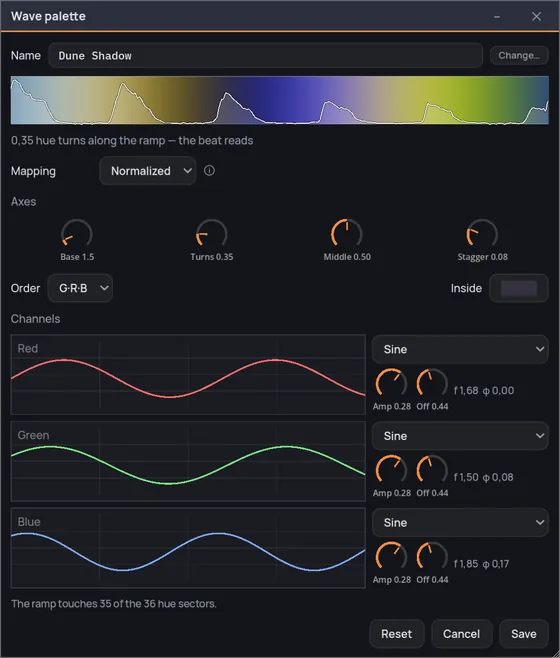
The three curves are not controls you draw — they are what the knobs are doing, drawn so you can see it. Here: green at 1.50, red at 1.68, blue at 1.85. Three frequencies a hair apart, which is the whole of why the bands beat — and green leads because the order knob says G·R·B, which is one of the two knobs that move the color most. Above them the ramp itself, with the histogram of the view laid over it, so you can see which part of the wave your image is actually reaching.
A wave palette lives or dies on how much of the ramp your view reaches, so it carries its own answer to that. Leave it on the fixed scale, stretch it to fit the view between its first and ninety-ninth percentile, or let it repeat on a cycle you set. On a deep zoom the difference is the whole picture: the same palette that shows you half a wave on one setting shows you the beat on another.
When none of them is right
Editing stops by hand is the long road, and sometimes you already know what you want it to feel like — or you already have it, in a file written for another program. These three get you a ramp to start arguing with.
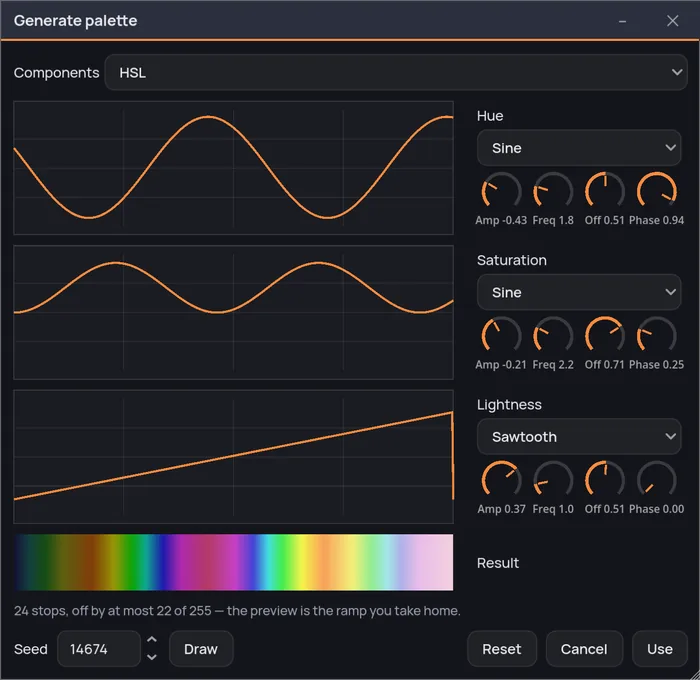
Choose the components — RGB or HSL — and draw the three curves by hand. Or hand a curve over to a waveform, sine, triangle, sawtooth or square, and shape it with amplitude, frequency, phase and offset. Or press Draw and take one at random: the seed it came from is written beside it, so the ramp you liked comes back by typing a number.
The waveforms here are the same four, used differently: the generator bakes what you draw into stops you can then drag, where a wave palette keeps the oscillators live and hands you their knobs instead.
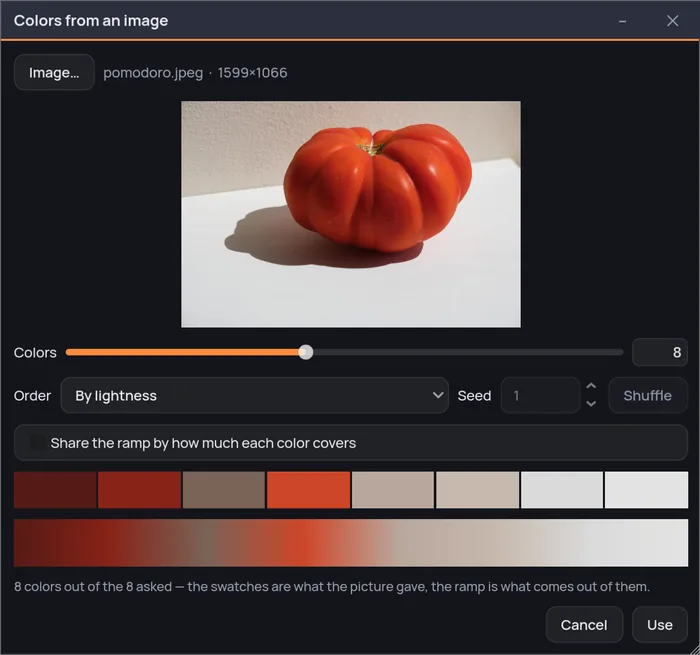
Drop in an image and it reads the colors back out — the ones that carry the picture, the small vivid accent included and not just the gray around it. You choose how they land on the ramp: by lightness, by hue, by how much of the picture each one covers, or shuffled from a seed you can write down. A photograph of a rusted door becomes a ramp you can put on a Julia set.
It reads Fractint maps and Ultra Fractal gradients. A dense table of a few hundred entries becomes a handful of stops, kept where the gradient changes direction, and Fractaria tells you the largest drift from the original out of 255 levels rather than promising a fidelity it does not have.
Where the color comes from
How long the point took to fly away is one measurement. Fractaria takes many more from the same orbit, each on its own switch in the sidebar, and mixes them: the orbit trap, the orbit density, the spiral, the stripe, triangle and curvature averages, the atom domains, displacement and the biomorph. Not every family gives you all of them: where the orbit converges instead of running away there is nothing to measure along the path, and the panel says so in a line rather than leaving dead sliders. Turning one on does not adjust the picture — it draws a different one. Same view, same palette, same everything else, side by side:
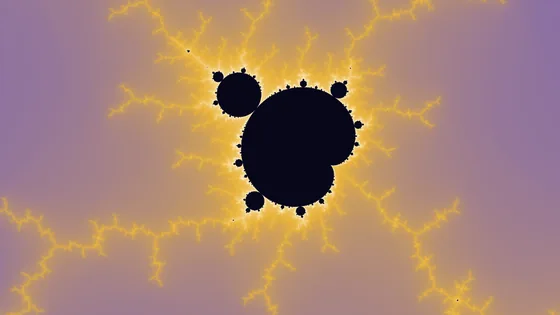
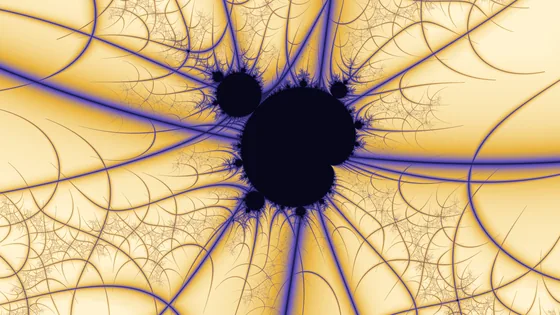
How close the orbit passed to a shape you put in its way — a point, a cross, rings, a grid, ten in all. Where there were bands, there are stems and petals; and the same measure can give the black interior a shape too.
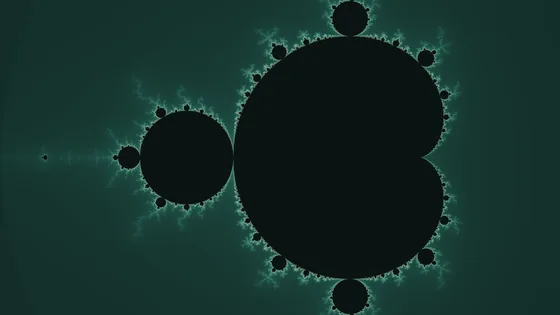
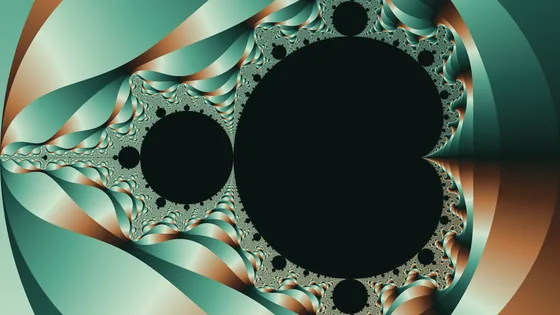
Not how fast the orbit left, but which way it went. It cuts the field into wedges radiating out of the set, and a flat green shoulder turns into blades of copper and oxide.
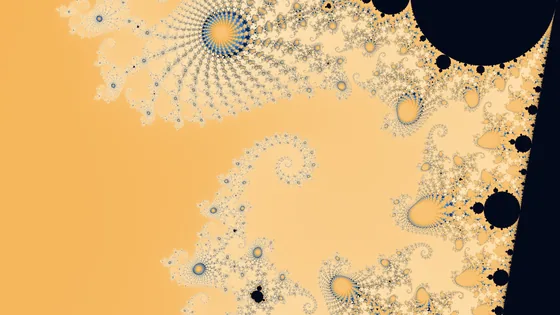
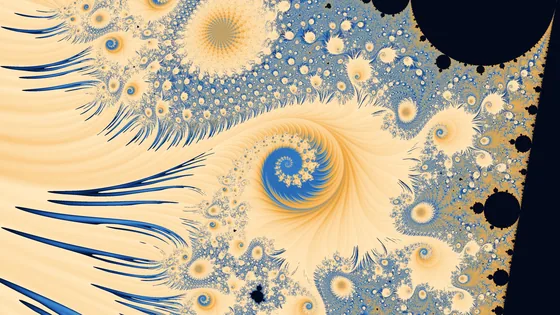
How the orbit wound around, averaged along the whole path it walked instead of just its length. Bands become folds, and the surface starts behaving like fabric.
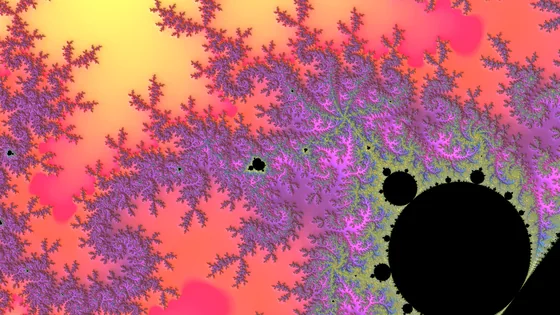
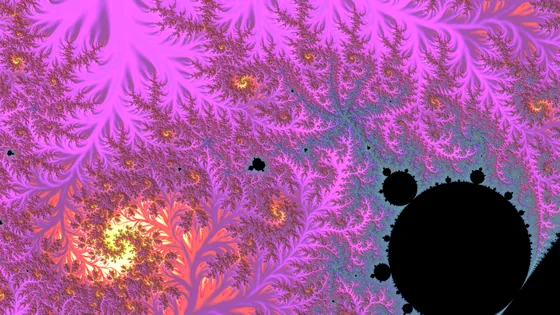
How much each step of the orbit agreed with itself, averaged along that same path. Where the stripe average gives ribbons, this one gives plumage.
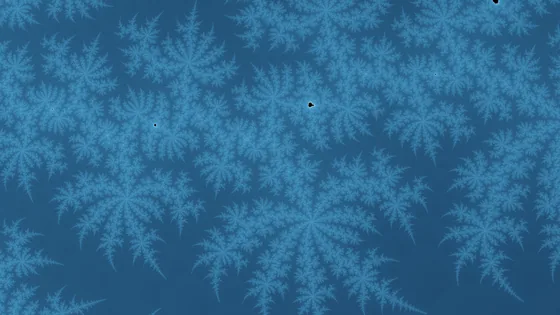

When the orbit passed closest to the origin, counted in steps rather than distance. It draws the map of the bulbs: a cell around every mini-set, and the Julia sets buried inside them that nothing else here reveals.
Tiles and blending
Tiles lay a pattern over the picture, shaped by the fractal itself — the sunburst above is one of them. Every source and every tile mixes on the color ramp, and the bands bend around the shapes.
And the last hand over it
What comes after the color. Each one is a switch of its own — the last is two, vignette and grain apart, because grain without a vignette is a thing people want — and most of them read the fractal's own measurements rather than the finished picture: relief and material light it, striations and sparks run along it, hatch and the chart draw on it. The last two take the picture as it comes — the screen prints it, the film weathers it. Same view, same palette, one thing changed:
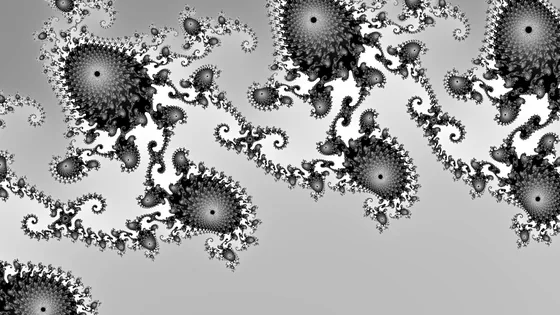
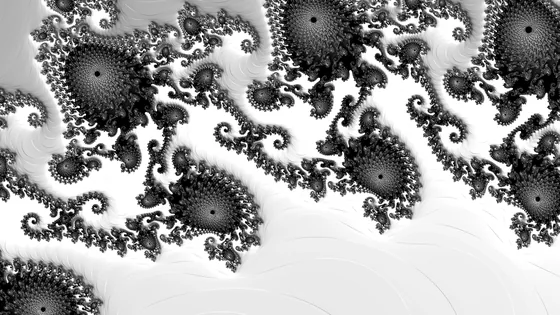
The escape field read as a height map and lit from one side. Nothing about the fractal changes — it simply stops being flat.
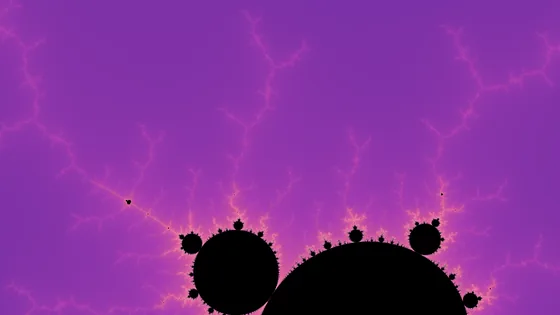
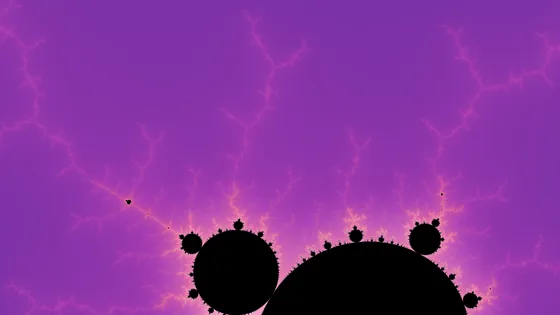
Light bleeding out of the frontier, where the orbits are starved and the calculation gives up. It lifts the edge without redrawing it — the quietest of the seven, and the one you notice only when it is gone.
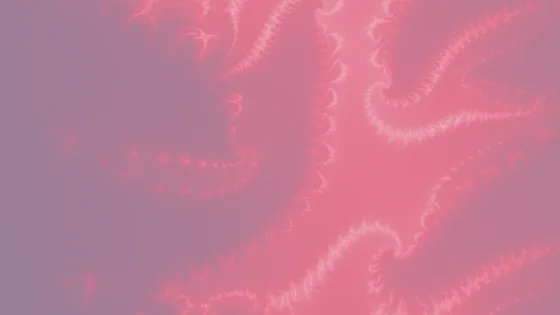
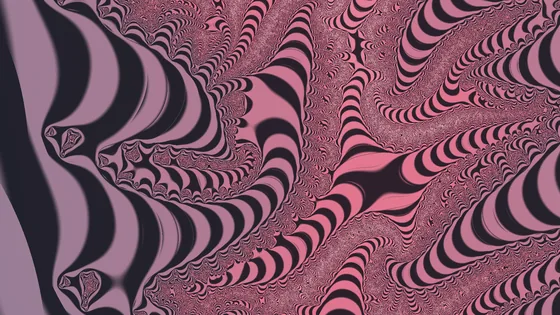
Lines cut along the escape bands, the way an engraver cuts a plate. It is the strongest of these: a pink haze becomes a picture with a burin through it.
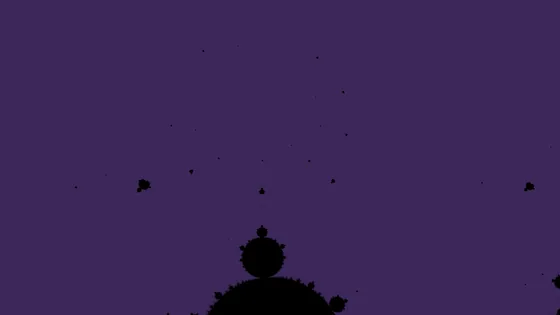
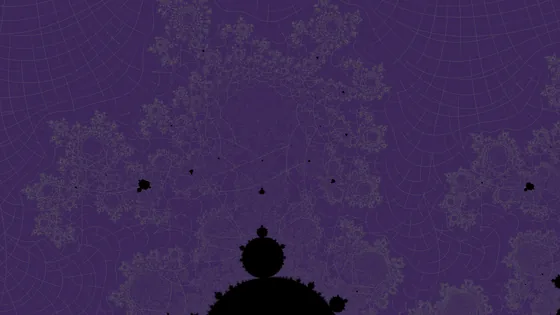
The chart of the outside, drawn on the picture. The rings are the level curves of the escape potential, the rays are the paths that run out of the set, and they cross at right angles because the map that draws them is conformal.
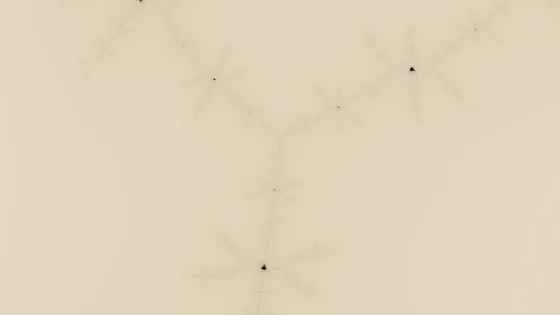
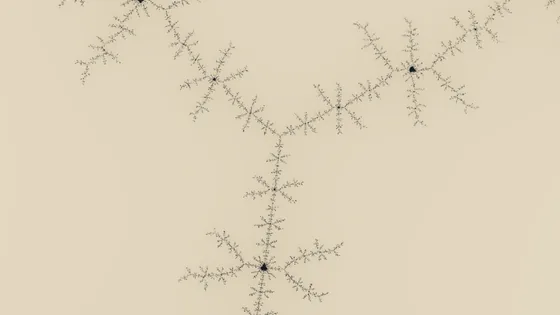
A line of ink along the edge of the set, in a color taken from the ramp. Without it, all that is left of Copperplate is a gray ghost and some paper.
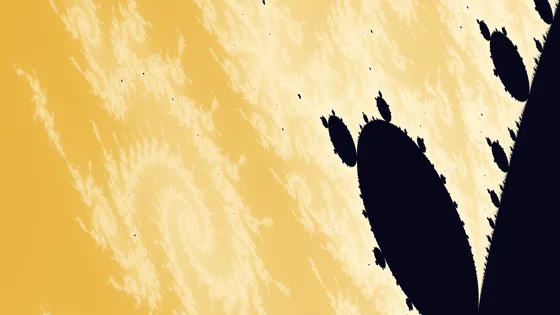
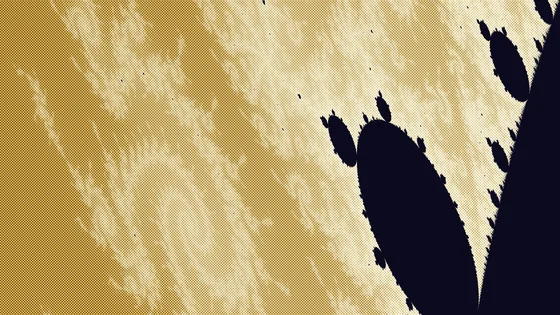
The printer's screen: the picture made of dots, lines or crosses instead of continuous tone. Rotogravure is where it belongs — the name is a printing process, and so is this.
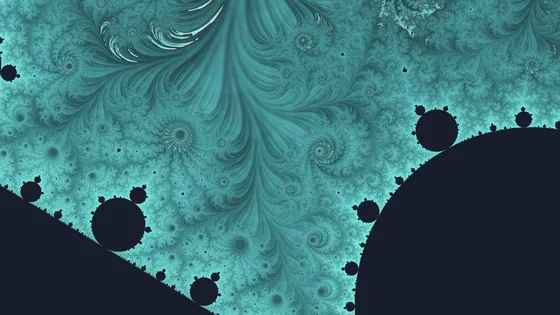
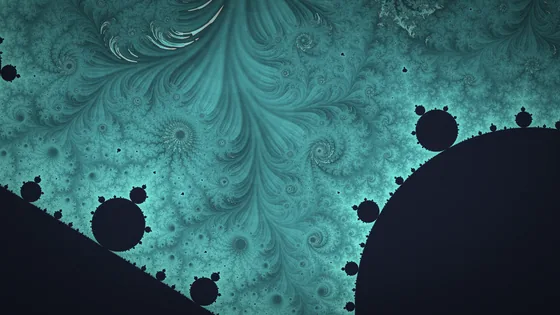
The weight of something printed: light falling off toward the corners and a fine grain over the frame. With the halftone, one of the two finishes here that never look at the fractal — they know where a pixel sits in the frame and what color it came out, and nothing else.
Material, striations and sparks join them in the application, each on a switch of its own.
One purchase, everything included — the Director and the Video Creator too, not a tier above them. No subscription: every fractal, every palette and every export size, from the first run.
macOSWindows
Add Fractaria to your wish list to receive updates, news about the release date, and much more.